Custom n8n node - Cheerio HTML parser
Core HTML parser in n8n is fragile. If html is malformed it gives up parsing it entirely. To overcome this limitation I’ve created custom n8n node.
I’ve had good experience using cheerio for migrating content from old Wordpress sites. That’s why I decided to use it for my custom n8n node.
How to install it?
- On your n8n instance go into
Settingson the left menu pane.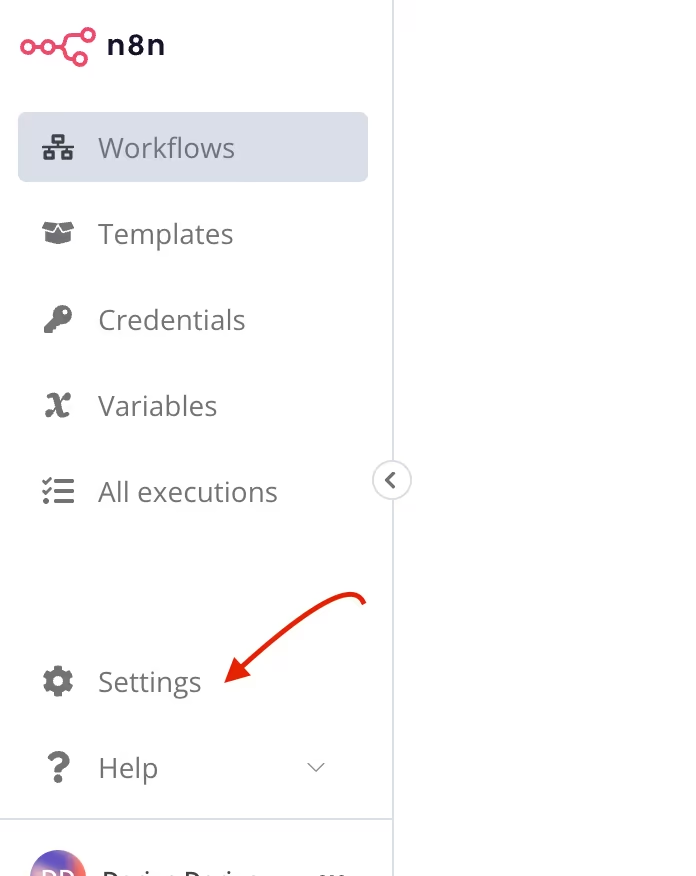
- When you are in the settings page, click
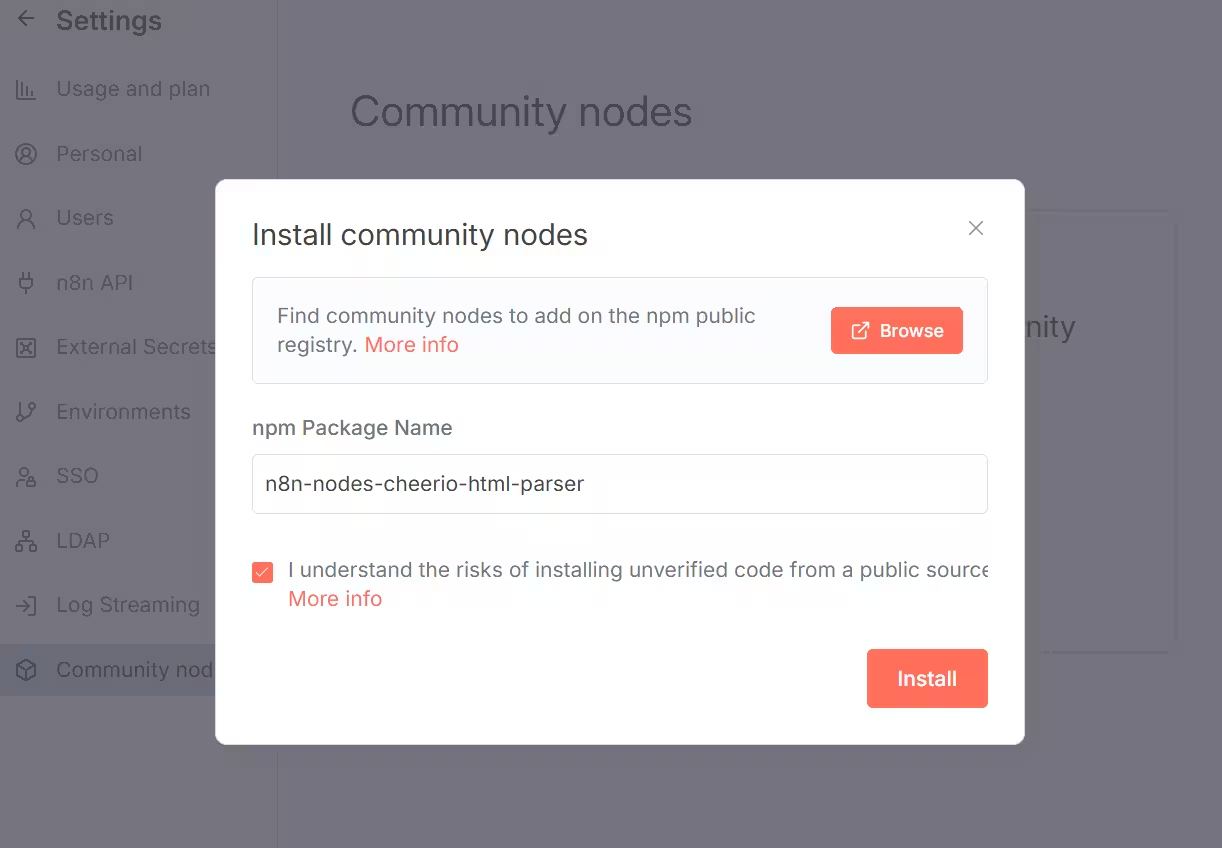
Community nodesmenu entry. - On
Community nodespage clickInstallbutton.Install community nodesdialog will open. - Enter
n8n-nodes-cheerio-html-parserinnpm Package Nameinput. - Consent with risks by checking checkbox bellow and click Install.
- If everything went OK you should be able to find it in nodes panel (When building your workflow) by searching for
Cheerio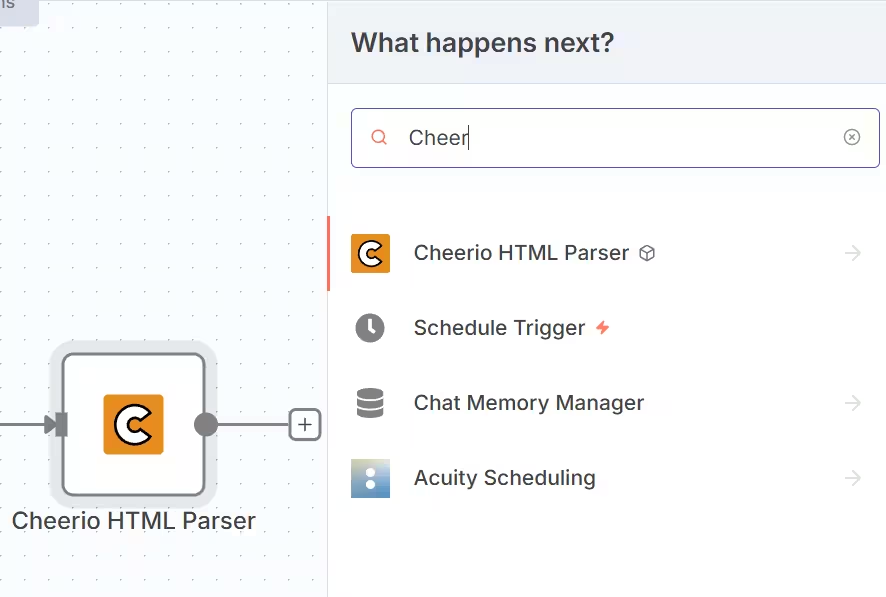
How to use it?
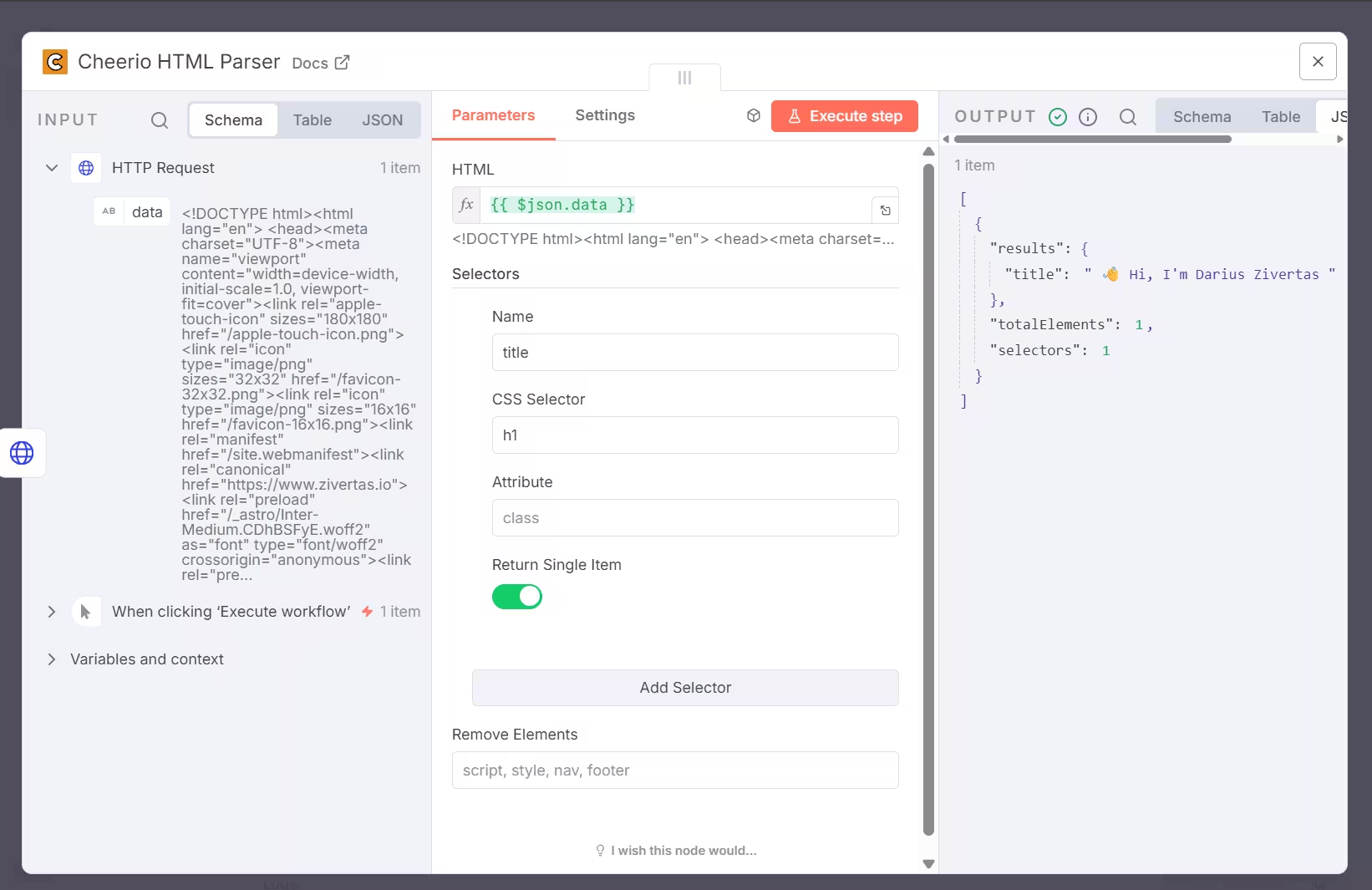
I recommend to pair it with the HTTP request:
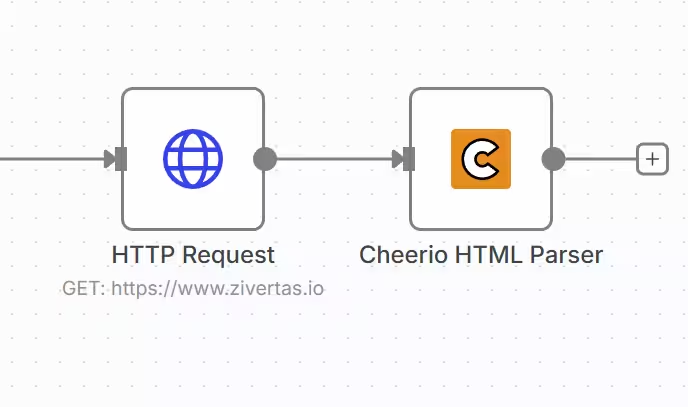
Then just take {{ $json.data }} from the request and configure your selectors
You can find it on npm. Also you can submit an issue on Github